Truck downtime
Trucks parked. Waiting on a quote.
From warning light to back on the road, everything lives on one ticket. Shops quote from a link, so nobody needs another login.
Work order 1042
Unit 214
Front brake pads
- Reported
- Sent to shop
- Quote $480
- Approved
- Back on the road
Northside Truck Repair
4.7 - 2 mi away
$480
Sound familiar?
The truck is parked. The messages are everywhere.
Unit 214, parked
Quotes arrive by text, email and voicemail.
Nobody knows a truck is due for service until it breaks.
A truck sits while someone hunts for the right email.
Invoices do not match what was approved.
Finding a shop when a truck breaks down on the road is a scramble.
What it costs
Every day parked is a day it earns nothing.
Revenue lost on a parked truck
Every extra day waiting is a day that truck earns nothing.
Chasing quotes
Someone spends the morning finding the right message.
Breakdowns that did not need to happen
Missed service turns small problems into big ones.
The fix
From warning light to back on the road.
Follow one repair, Unit 214, from the first warning to the road. Everything happens on the same ticket.
- The ticket says: Reported
Step 1: Problem becomes a work order
A warning light or inspection issue opens a ticket with the details attached.
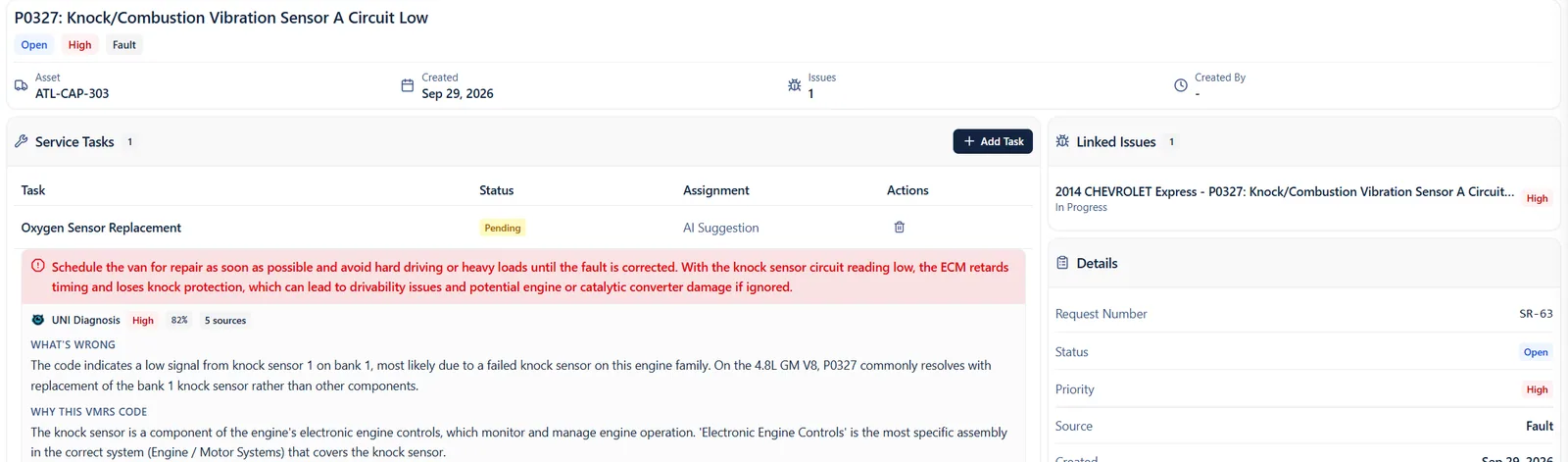
- Suggested repair, ready to go
- UNI explains what is wrong
- The ticket says: Sent to shop
Step 2: Send it to any shop
Shops get a link. They quote, update and invoice without a login.
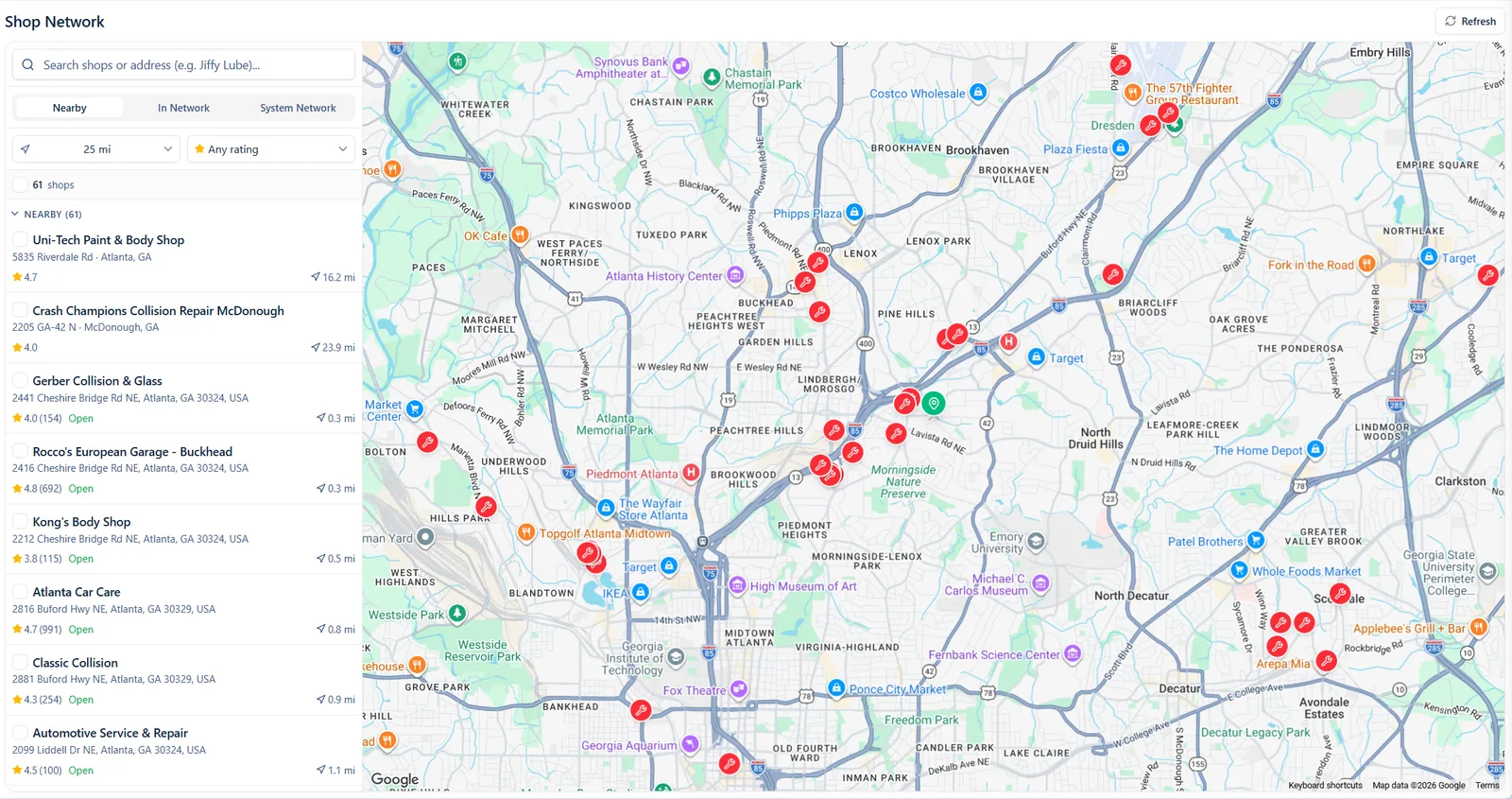
- Find a shop anywhere
- Nearby shops, with ratings
- Your truck is here
- The ticket says: Quote $480
Step 3: The quote lands on the ticket
The price, the parts and the timing show up right on the ticket, not buried in your inbox.
- The ticket says: Approved
Step 4: Approve and roll
You approve the quote on the same ticket, and the truck is back on the road.
- The ticket says: Back on the road
Step 5: Back on the road
Every truck’s health sits on one map, so the next problem shows up before it parks a truck.
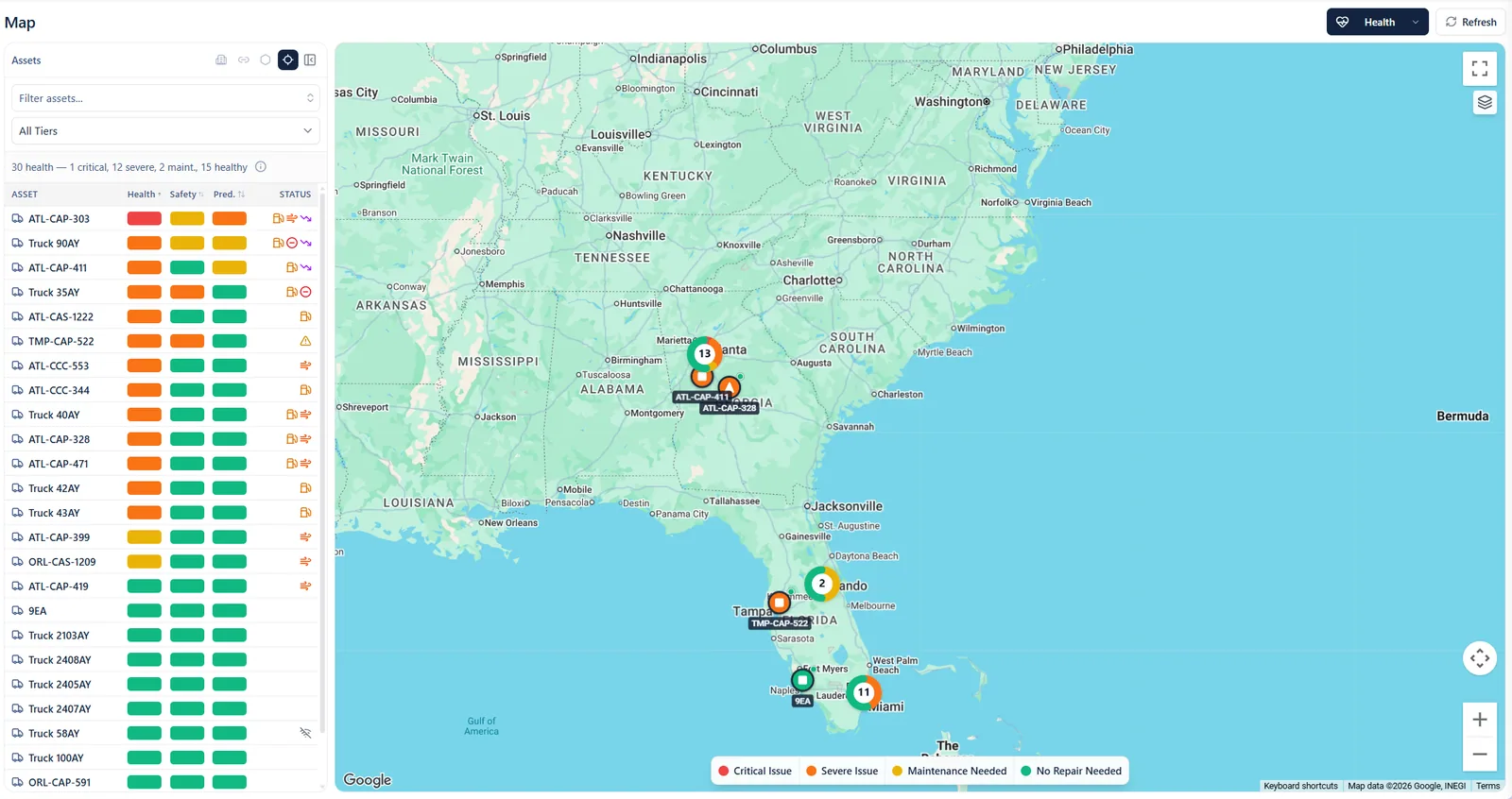
- Red means fix it now
- Every truck’s health at a glance
- See where the trouble is
One tangled thread becomes one tidy ticket.
What changes day to day.
Before: one long thread
Reply all, 3 days ago
Quotes buried in email threads
Text, unknown number
Finding a shop on the side of the road
Voicemail
Surprise breakdowns
Forwarded twice
Invoices that do not match
After: one tidy ticket
Work order 1042
Unit 214, Front brake pads
- Quotes arrive on the ticket
- Nearby shops with ratings in one search
- Service reminders before it is overdue
- The approved quote becomes the invoice
Northside Truck Repair, 2 mi away
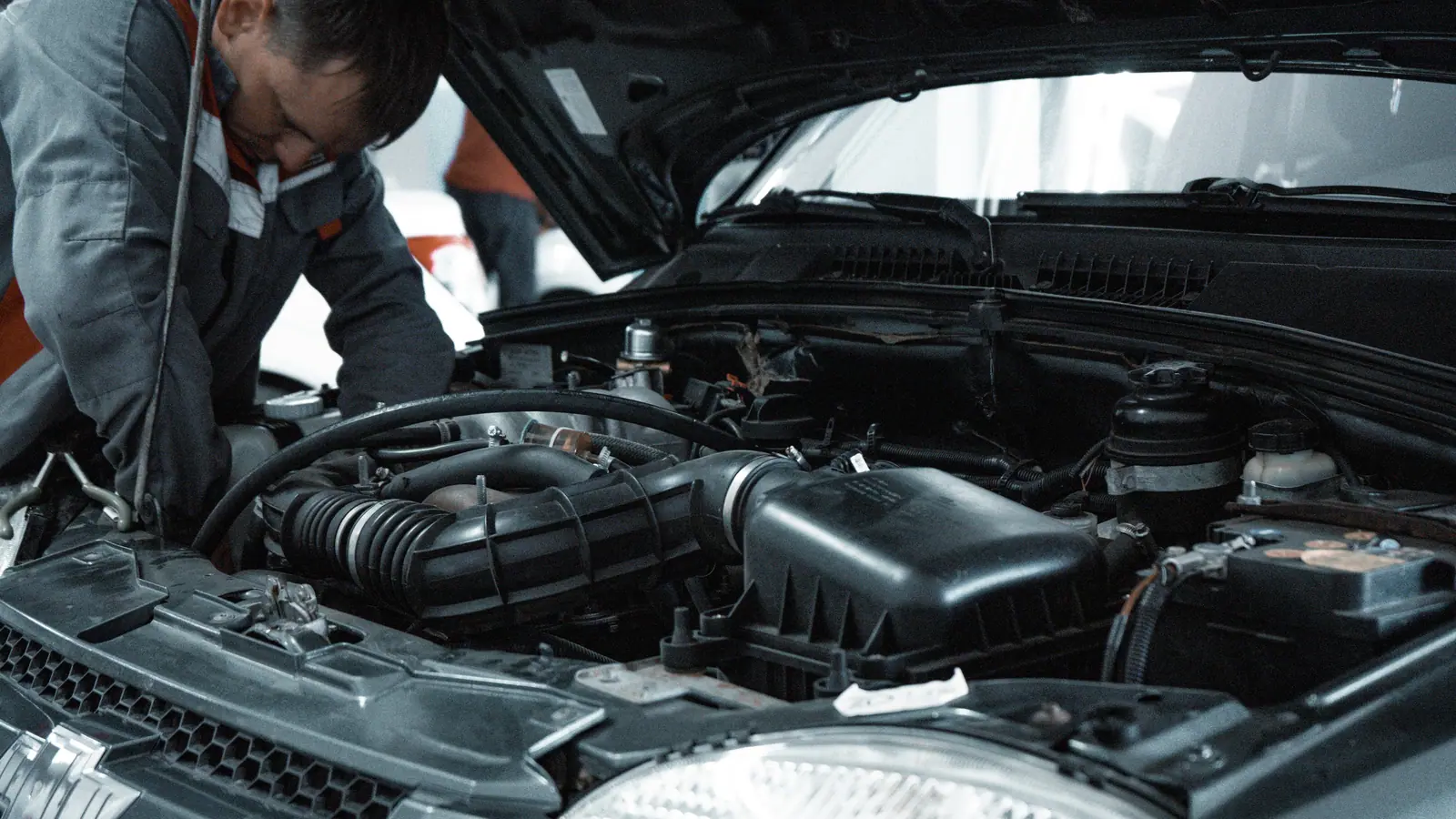
Less waiting. More driving.
Back on the road
Unit 214, front brake pads
The apps that keep trucks rolling.


Quick answers
Do our shops need to buy anything?
No. A shop opens the link you send, then quotes, updates and invoices from there. The link stops working when the job is done.
Ready to see your fleet in one place?
Bring your questions and the tools you use today. We will show you how it all fits together.