Too many logins. Too many blind spots.
One login. One picture. One less headache.
Your GPS, cameras, fuel cards and shops each live on their own website. Fleet Unify pulls them into one place, so you stop hunting and start deciding.
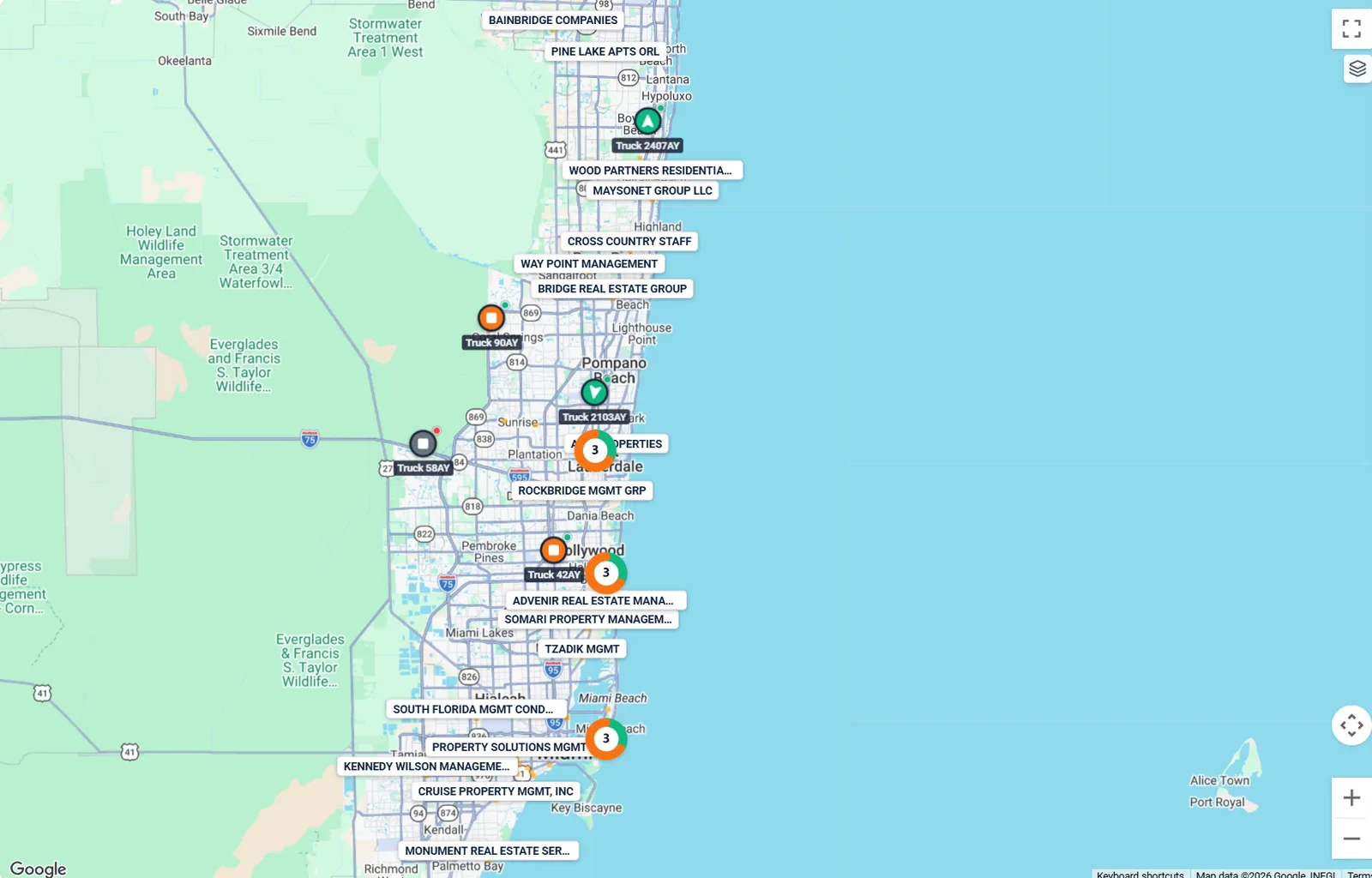
A browser with six tabs, each asking for its own login, collapses into one Fleet Unify tab that shows the live map.
One question, two ways
Where is Unit 214?
Same question, same truck. Count the stops it takes to answer.
The old way
Five stops, five logins.
Steps5 / 5
- Login
GPS portal
Find the last ping
- Login
Camera site
Check the camera view
- Login
Fuel card site
See the last fill
- Login
Shop email
Search for the quote
- Login
Spreadsheet
Scroll to the right row
Found Unit 214. 5 steps.

Fleet Unify
One stop, one login.
Steps1 / 1
Open the map
Unit 214 is already on it
Found Unit 214. 1 step.
We count steps, not seconds.
Sound familiar?
If your monitor looks like this, you are not alone.
You open three websites to answer one question about one truck.
Your GPS, your cameras and your fuel cards seem to tell three different stories.
Only one person really knows where everything lives.
A new hire needs a week of logins before they are useful.
Your best numbers sit in a spreadsheet somebody emailed last Tuesday.

What it costs
What the tab hopping really costs.
No made-up numbers. Just the honest picture.
- Time
Hours lost to tab hopping
Every question takes five stops instead of one.
- Money
Decisions on half the picture
When the full story is hard to see, costly calls get made on a guess.
- Risk
Problems spotted late
A warning in one tool never reaches the person watching another.
- People
Slow starts for new people
Learning six tools before doing the job is a tough first month.
The fix
Keep your tools. Lose the tab hopping.
Here is how Fleet Unify fixes it.
Step 1: Keep your tools
No rip and replace. Your GPS, cameras and fuel cards stay exactly where they are.
- GPS
- Cameras
- Fuel cards
- Shop emails
- Spreadsheets
Step 2: See it in one place
Trucks, drivers, fuel, repairs and forms show up together on one screen.

One login. One picture.
Step 3: Act right there
Open a truck, see what is wrong and take the next step without leaving the page.
Flip the switch on your week.
What changes day to day.
A week in your fleet office
6
logins
to keep up with one fleet
- Five logins to check one truck
- Calling around to find where a truck is
- Spreadsheets emailed around the office
- A week of training on every tool
1
login
to see all of it
- One screen for the whole truck
- Open the live map
- Everyone sees the same live numbers
- One place to learn
Your one login opens these.
Quick answers
Do we have to drop the tools we use now?
No. Fleet Unify works with the GPS, cameras and fuel cards you already pay for. You keep them and see everything together.
Ready to see your fleet in one place?
Bring your questions and the tools you use today. We will show you how it all fits together.